1
Two commands in Claude Code
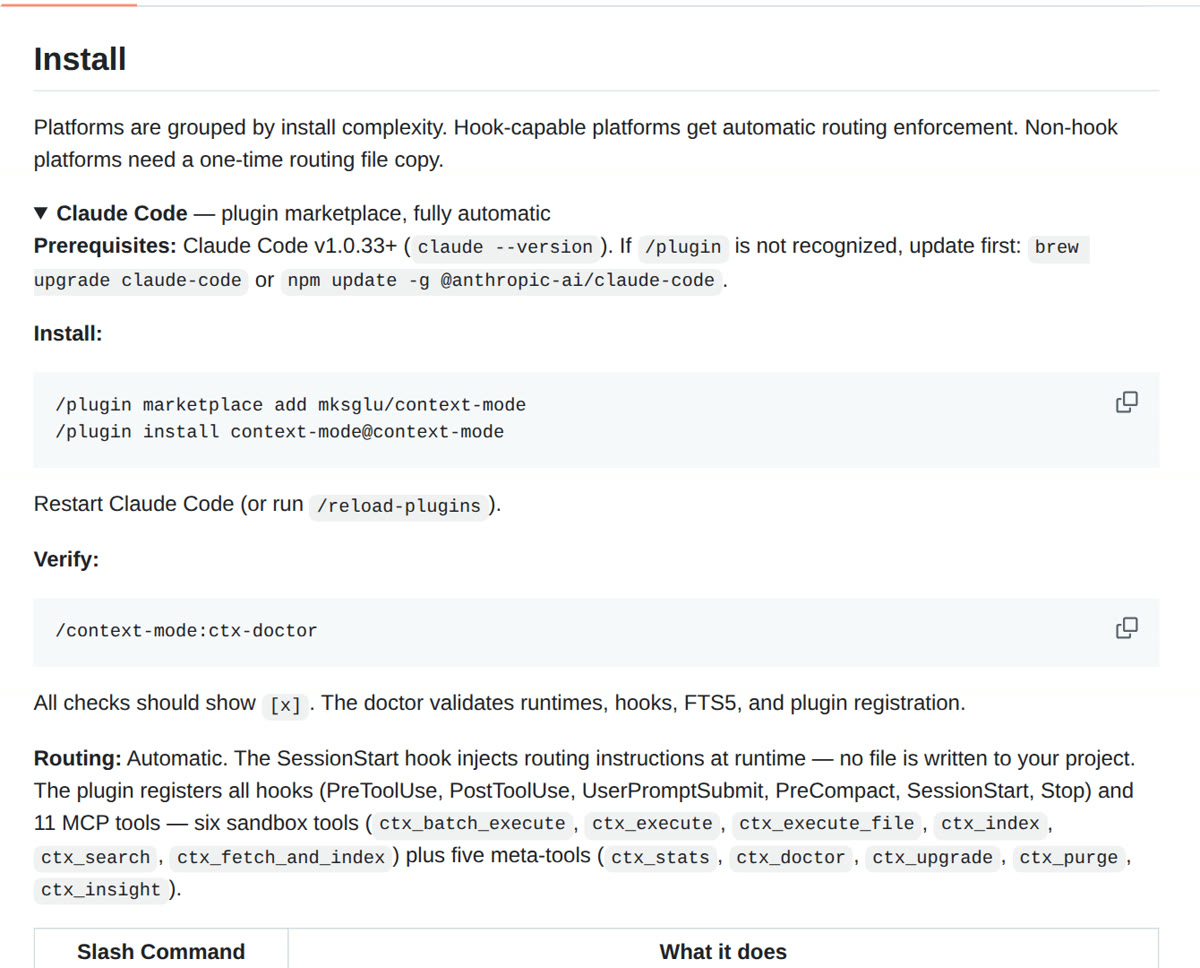
Add the plugin marketplace, install the plugin, restart. The doctor command tells you if every part works.
Context Mode is a free plugin for Claude Code, Codex, Cursor and other coding agents. It keeps huge tool output like logs, web pages and test runs in a sandbox, so only the answer lands in your context window. This guide installs it with two commands and shows you how to check the savings.
Add the plugin marketplace, install the plugin, restart. The doctor command tells you if every part works.
One command shows how many tokens stayed out of your context window, tool by tool, in this session.
The setup for Codex CLI, Cursor, Gemini CLI and VS Code Copilot, and what works on each one.
 🔒 Full guide after signup
Yes. You sign up with your email once and get this guide plus every other guide in the library.
The plugin is. It is source available under the Elastic License 2.0, runs on your own computer and needs no account. The same team also sells a hosted platform with a free start and a Pro plan at 49 dollars a month. You do not need it for the plugin.
No. The project says nothing leaves your machine: no telemetry, no cloud sync and no account. Session data sits in a SQLite file in your home folder.
We send a confirmation email. Click the link and the full guide opens. You also get the ai-toolfinder newsletter every Friday and can unsubscribe anytime.