1
The agent prompt
Paste one prompt into Claude Code, Codex or Cursor. It installs the skill, learns your brand from your website and draws a first diagram.
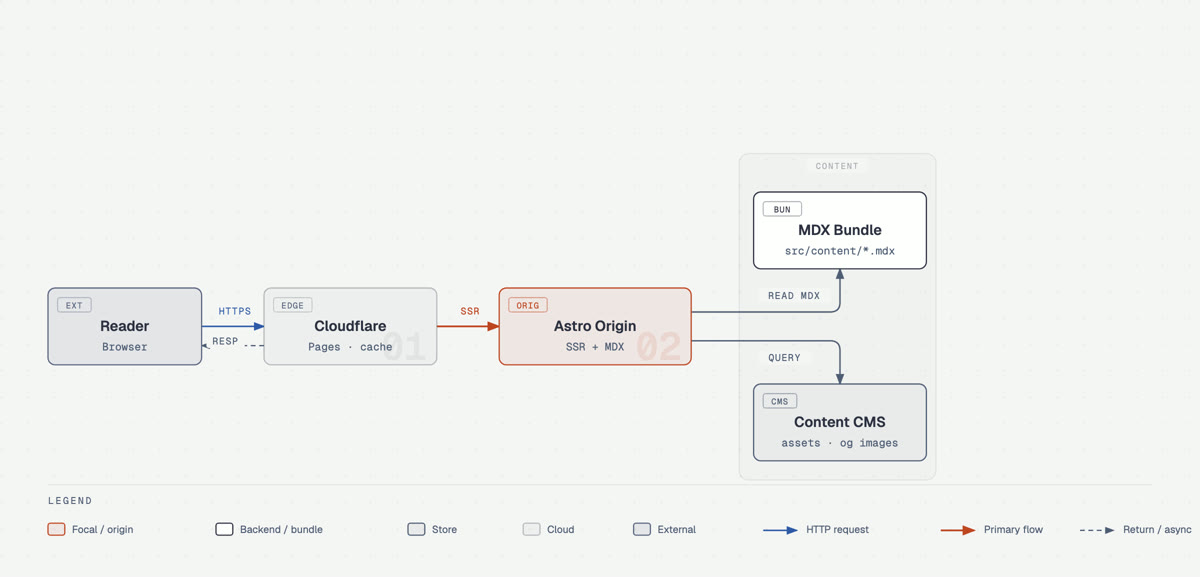
Diagram Design is a free skill that makes your AI agent draw clean, editorial diagrams as one HTML file, in your own colors and fonts. This guide installs it with one command and gets your first diagram out of a single sentence.
Paste one prompt into Claude Code, Codex or Cursor. It installs the skill, learns your brand from your website and draws a first diagram.
How the skill pulls colors and fonts from your site so every diagram after that matches it.
How to point it at a draw.io, Mermaid or Excalidraw file and get a clean version for your deck.
 🔒 Full guide after signup
Yes. You sign up with your email once and get this guide plus every other guide in the library.
Yes. The skill is open source under the MIT license. You only pay for the AI agent or model you already use to run it.
The skill has no server, no accounts, no analytics and no telemetry. Your prompt goes to your own agent's provider as usual. A finished diagram loads its fonts from Google Fonts when you open it, unless you ask for system fonts.
We send a confirmation email. Click the link and the full guide opens. You also get the ai-toolfinder newsletter every Friday and can unsubscribe anytime.