1
The agent prompt
Paste one prompt into Claude Code or Codex and it downloads Foresight, installs it and checks your Mac's memory.
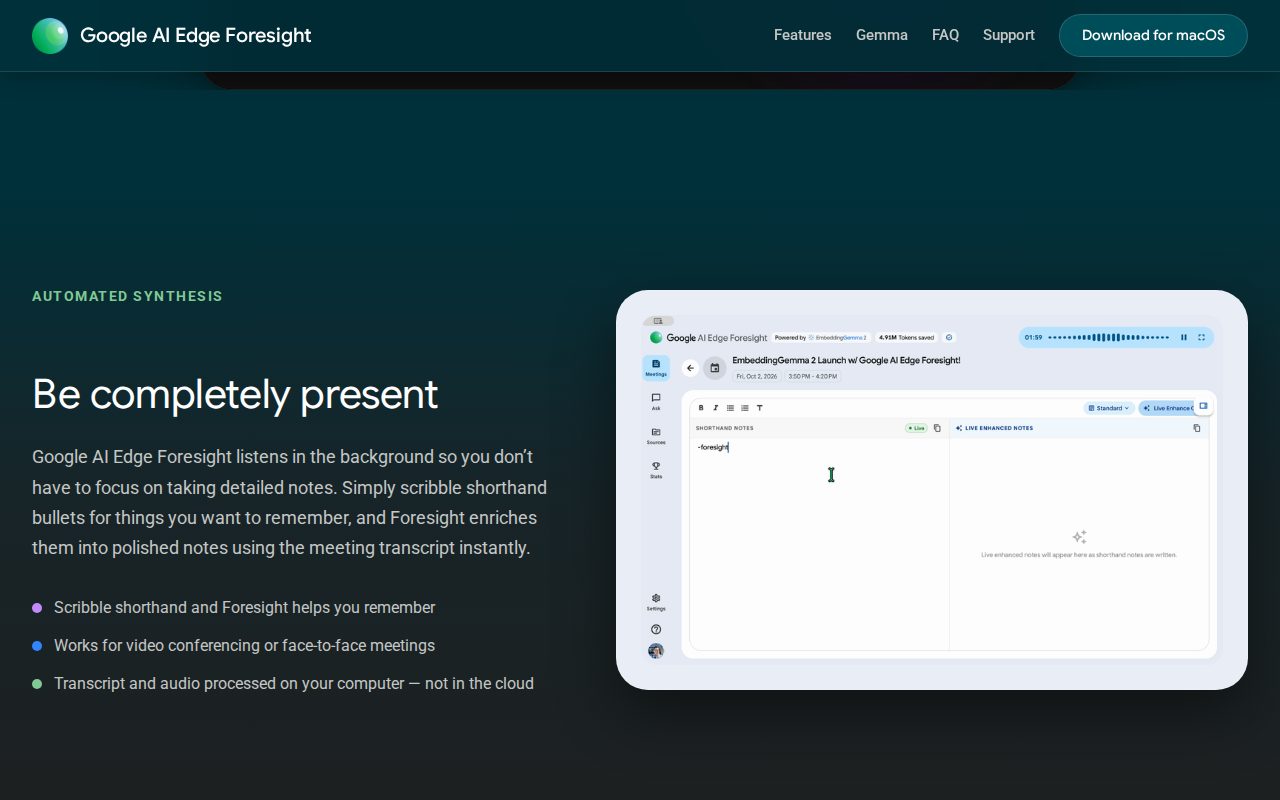
Foresight is a free Mac app from Google that listens to your meetings on your own computer and turns a few typed bullets into full notes, even offline. This guide gets it running and takes your first notes.
Paste one prompt into Claude Code or Codex and it downloads Foresight, installs it and checks your Mac's memory.
Foresight offers three Gemma models. The wrong one is slow or won't run. Here is which one fits 8, 16 or 32 GB.
Start a recording, type three short bullets, and Foresight fills them in from the transcript.
 🔒 Full guide after signup
Yes. You sign up with your email once and get this guide plus every other guide in the library.
Yes. Google offers the app as a free download with no account and no price on the official page. You only sign in with Google if you want to connect Google Drive or your calendar.
For one person on a Mac, it covers the core: background transcription, short bullets turned into notes, and chat over your meetings. Granola's free plan only shows a limited meeting history, and its Business plan costs $14 per user per month. Granola also has phone apps and shared folders for teams. Foresight is an experimental app and runs only on your Mac.
We send a confirmation email. Click the link and the full guide opens. You also get the ai-toolfinder newsletter every Friday and can unsubscribe anytime.