1
The agent prompt
Paste one prompt into Claude Code and your agent installs the skill, renders the first example and tells you where the video is.
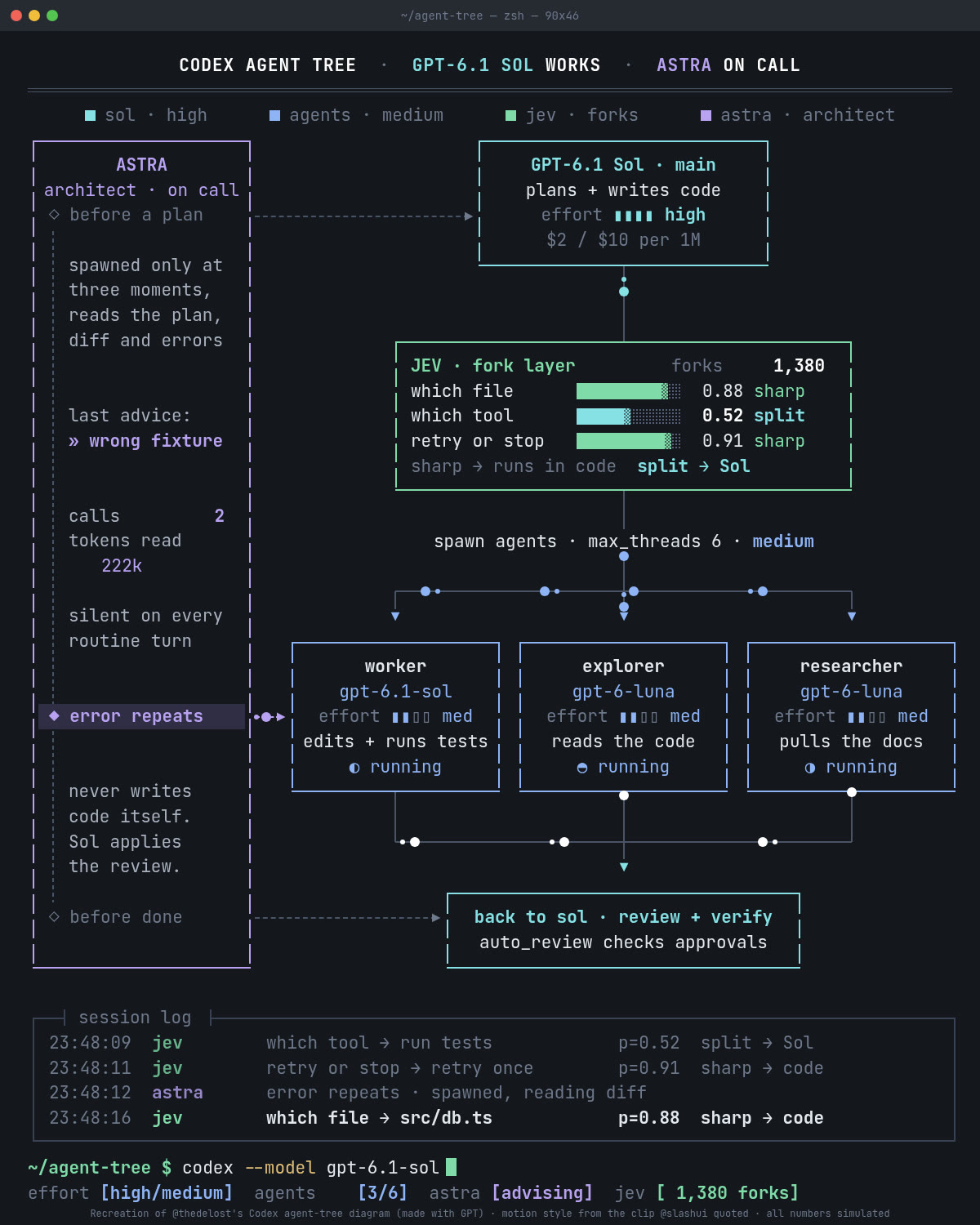
Live Panel turns a description of your system into a diagram that looks like a running monitor: packets on the wires, a scrolling log, counters. This guide takes you from zero to your own MP4.
Paste one prompt into Claude Code and your agent installs the skill, renders the first example and tells you where the video is.
No agent? Three commands: download the skill, render the example, check the frames.
How to describe your own system so the skill builds a diagram that moves, and how to keep the numbers honest.
 🔒 Full guide after signup
Yes. You sign up with your email once and get this guide plus every other guide in the library.
No. You copy three commands into your terminal, or paste the agent prompt into Claude Code and describe your system in plain English. The skill writes the JSON file for you.
Yes. The code is open source under the MIT license and only needs Python, Chrome and ffmpeg, which are free. If you let Claude Code write the diagram for you, you pay for Claude Code as usual.
We send a confirmation email. Click the link and the full guide opens. You also get the AI at Work newsletter every Friday and can unsubscribe anytime.