1
The agent prompt
Paste one prompt into Claude Code. It downloads the official release, installs the command line tool and adds PhotoCraft as an MCP server in one folder you choose.
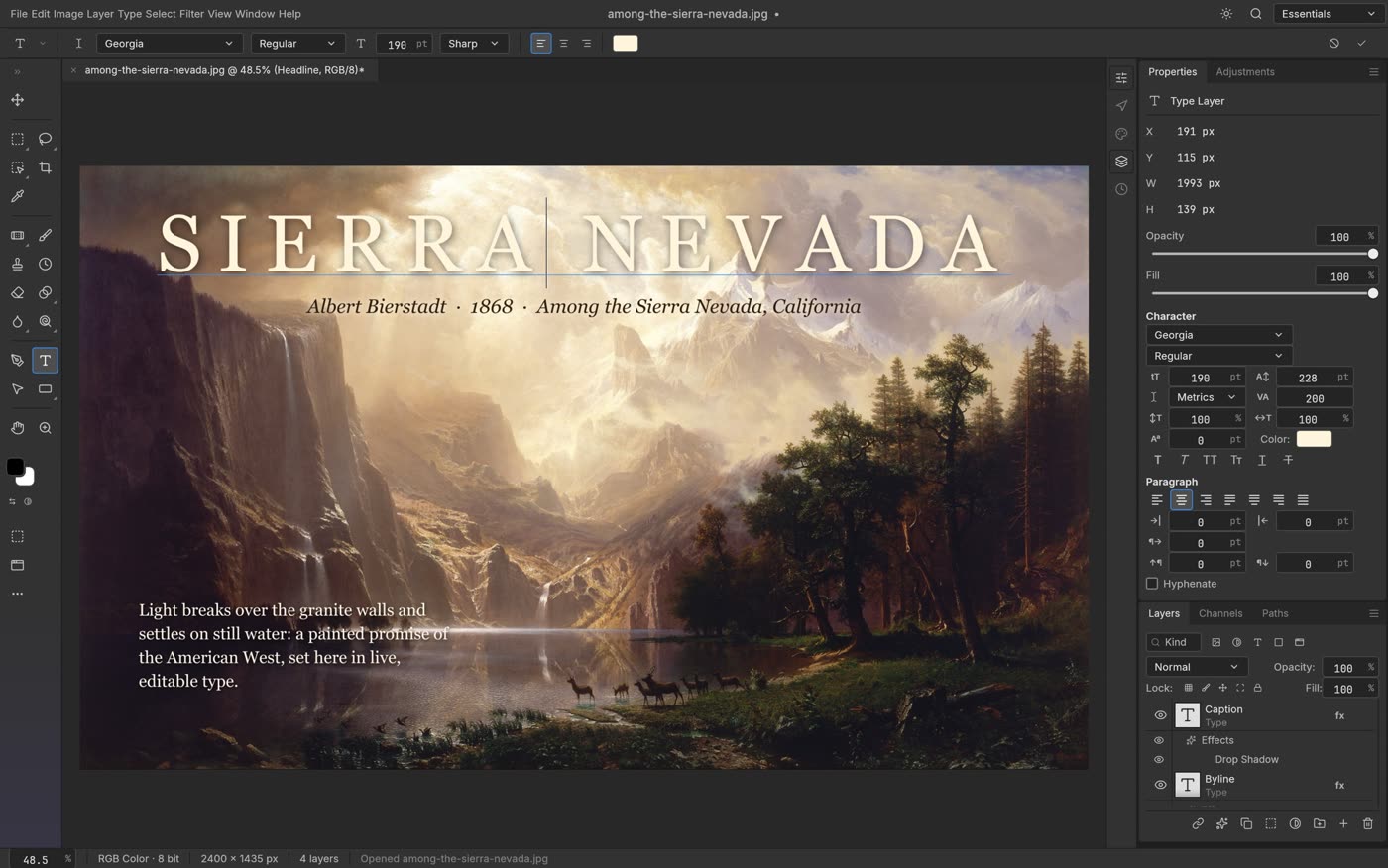
PhotoCraft is a free, open source image editor built like Photoshop: layers, masks, type, filters and real PSD files, running offline on your own computer. This guide installs it, opens your first PSD and connects it to your AI agent so it can edit a whole folder of images for you.
Paste one prompt into Claude Code. It downloads the official release, installs the command line tool and adds PhotoCraft as an MCP server in one folder you choose.
Open a layered Photoshop file, change the text, cut out the subject on your own machine and export it for the web.
One action list, a whole folder of images. How to let your agent sharpen, grade and export everything while you do something else.
 🔒 Full guide after signup
Yes. You sign up with your email once and get this guide plus every other guide in the library.
Yes. PhotoCraft is open source under the MIT or Apache-2.0 license and the downloads on GitHub need no account. The ArtCraft team also sells credits for its separate AI image app, but you do not need that for PhotoCraft.
Not yet for daily professional work. The team calls it early alpha and says the biggest gaps are generative AI features, 15 missing tools, typography depth and plug-ins. For opening PSD files, quick edits, cutouts and exports it already works.
We send a confirmation email. Click the link and the full guide opens. You also get the ai-toolfinder newsletter every Friday and can unsubscribe anytime.