1
The agent prompt
Paste one prompt into Claude Code, Codex or Cursor and your agent installs and checks Pi for you.
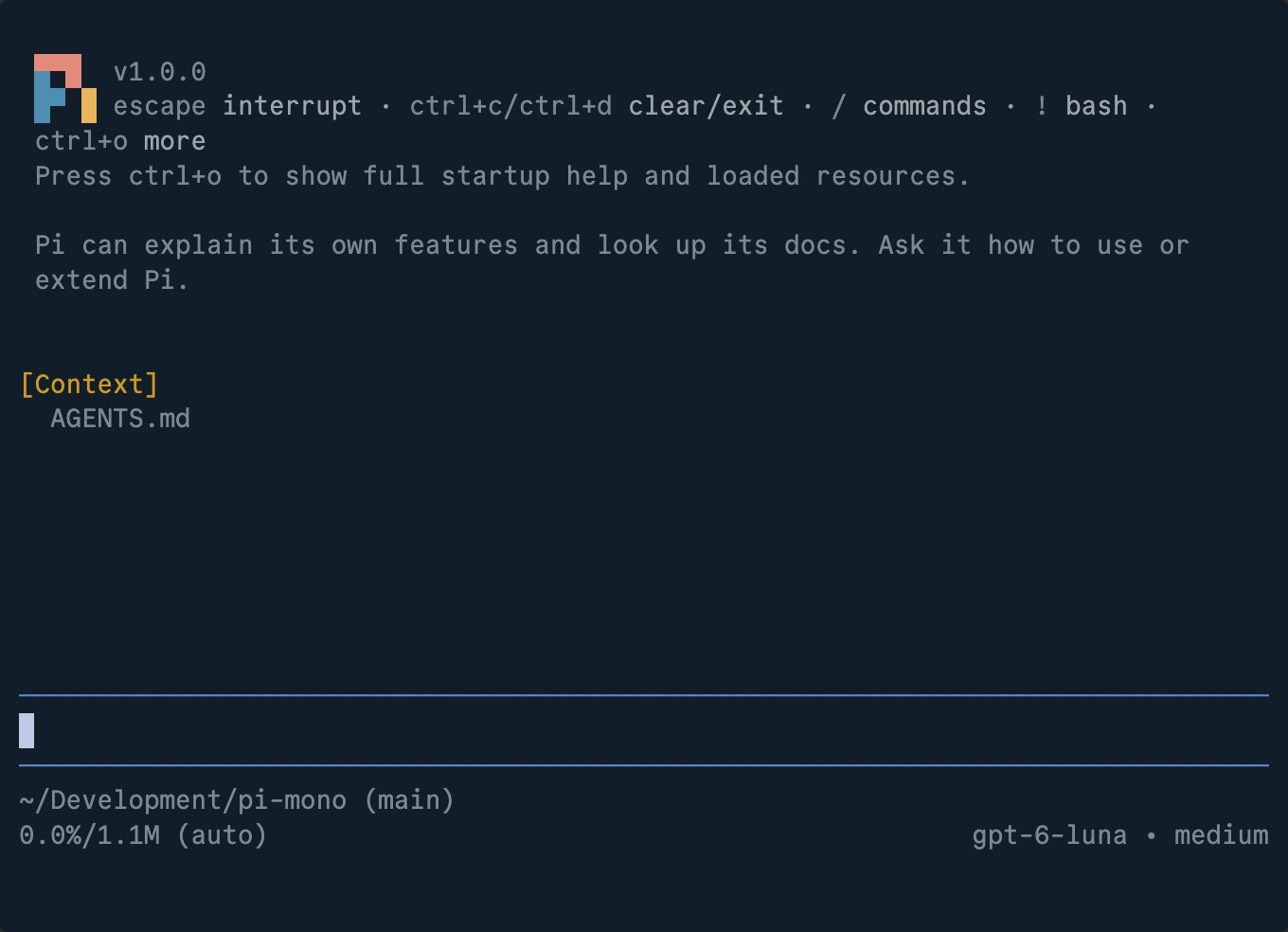
Pi works like Claude Code or Codex, runs models from every major provider and costs nothing itself. This guide takes you from zero to your first task.
Paste one prompt into Claude Code, Codex or Cursor and your agent installs and checks Pi for you.
No agent? Three commands: install, start Pi in your folder, connect a model.
Three tasks that work in any project, so you see what Pi does before you trust it with real work.
 🔒 Full guide after signup
Yes. You sign up with your email once and get this guide plus every other guide in the library.
No. You copy the commands into your terminal, or paste the agent prompt into an AI agent you already use and let it do the work.
Pi is open source under the MIT license. You need access to a model, through a subscription, an API key or a local model, and you pay your provider for that.
We send a confirmation email. Click the link and the full guide opens. You also get the AI at Work newsletter every Friday and can unsubscribe anytime.