1
The agent prompt
Paste one prompt into Claude Code or Codex. It checks Python, installs Whistle in its own environment and transcribes a test file.
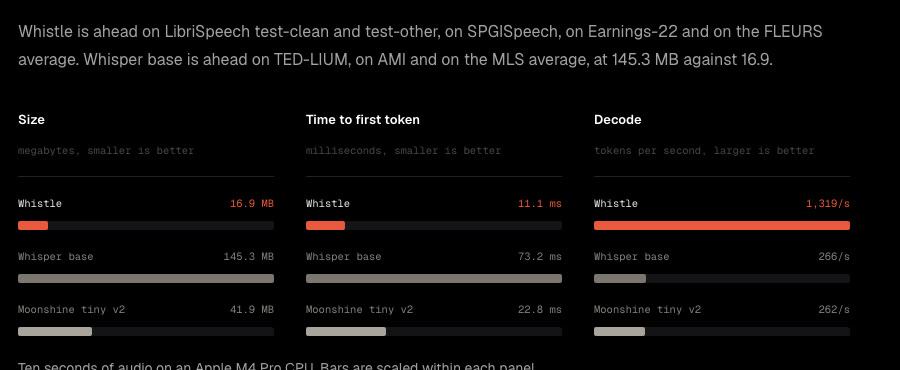
Whistle is a free speech to text model from Cactus Compute. The whole model is one 16.9 MB file that runs on your own CPU, in seven languages. This guide installs it, transcribes your first file and turns on live transcription from your microphone.
Paste one prompt into Claude Code or Codex. It checks Python, installs Whistle in its own environment and transcribes a test file.
How to pass your client names and product words, force a language and get a time stamp for every word.
The one extra package for microphone input, and the terminal command that writes down what you say as you say it.
 🔒 Full guide after signup
Yes. You sign up with your email once and get this guide plus every other guide in the library.
Yes. The model and the Python package are open source under the Apache 2.0 license. It runs on your own CPU, so there is no account, no API key and no cost per minute of audio.
English, German, French, Spanish, Italian, Dutch and Polish. It detects the language on its own, or you set it with language="de" for example. Other languages, like Portuguese, are not supported yet.
We send a confirmation email. Click the link and the full guide opens. You also get the ai-toolfinder newsletter every Friday and can unsubscribe anytime.